
In the competitive landscape of 2025, small businesses no longer just need to work hard; they need to work smart. As teams grow and operations become more complex, the “scrappy” methods of early startup days—like emailing document versions back and forth or managing tasks via sticky notes—can quickly become bottlenecks.
Google Workspace has evolved from a simple set of office tools into a comprehensive “growth engine.” Here is how it helps small businesses scale efficiently without the burden of heavy IT overhead.
1. Professionalism That Scales with Your Brand
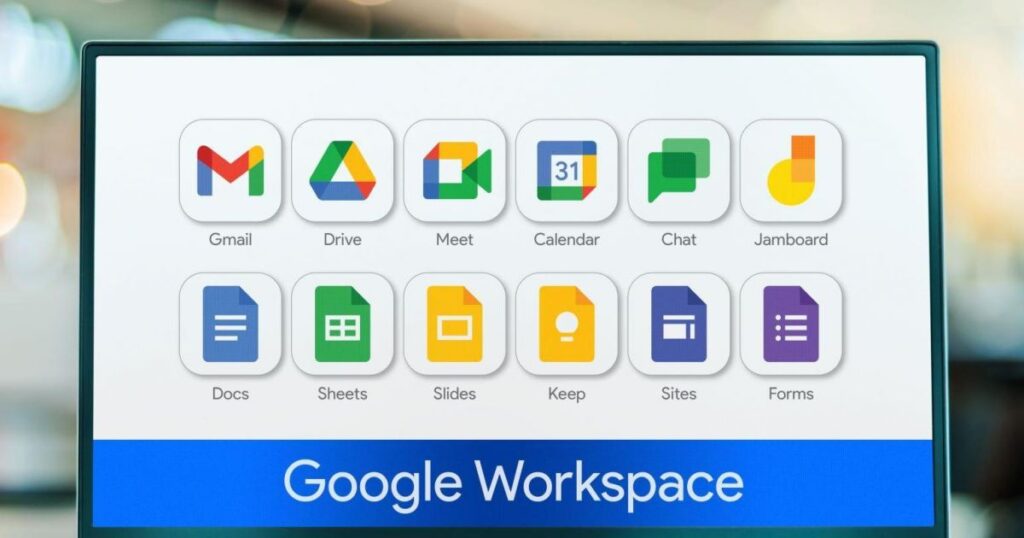
First impressions are everything. Scaling smarter starts with establishing trust before a client even opens your email.
- Custom Business Email: Moving from @gmail.com to @yourcompany.com immediately elevates your brand.
- Brand Consistency: Shared Drive templates for Docs and Slides ensure that every proposal and presentation sent by your growing team looks and feels consistent.
- Appointment Scheduling: Instead of “Does Tuesday at 2 PM work?” back-and-forth, integrated booking pages in Google Calendar allow clients to see your availability and book themselves—saving hours of admin time.
2. Everything in One “Digital Office”
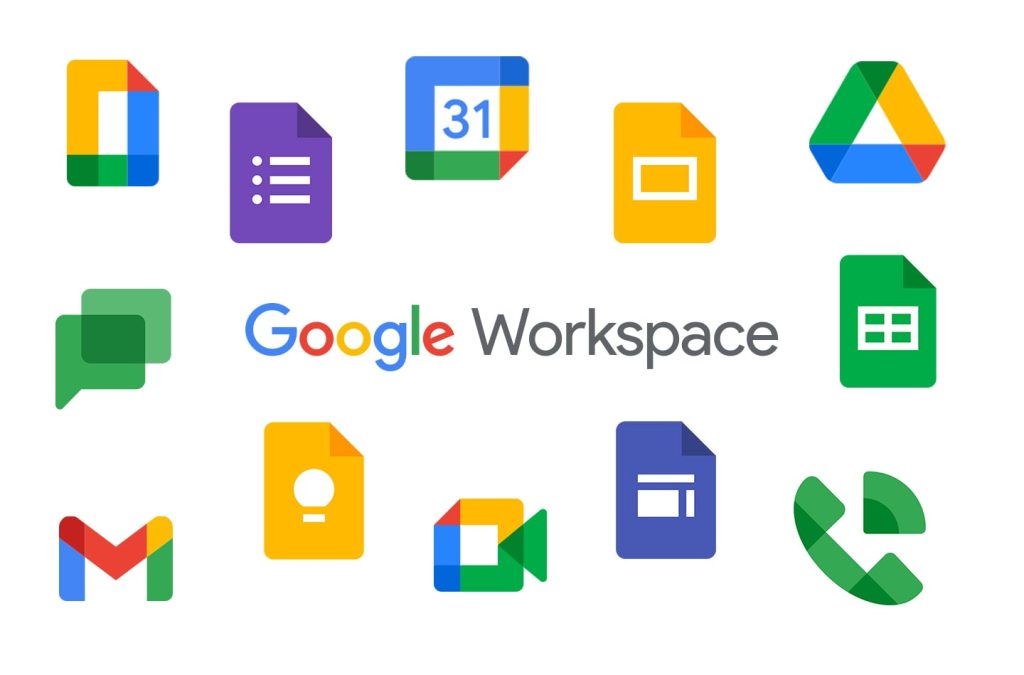
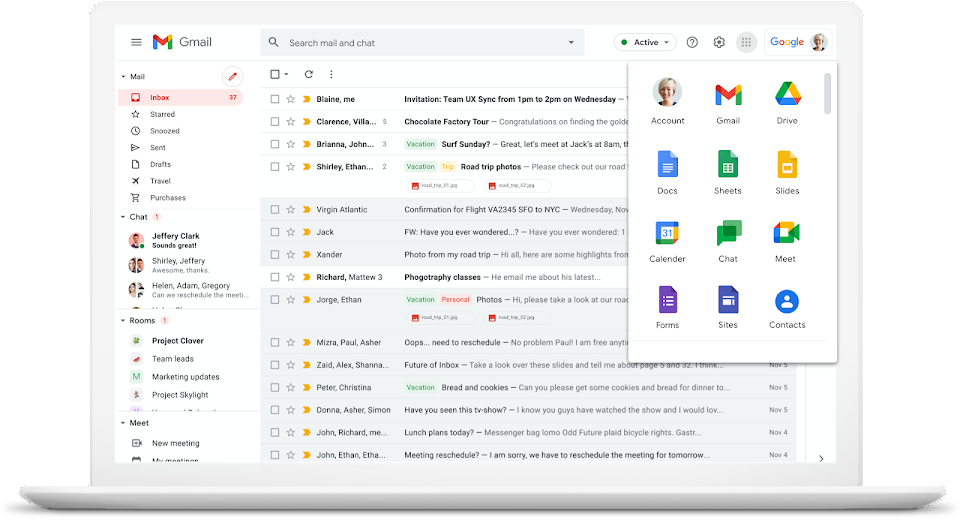
Think of Google Workspace as a digital office where everyone has a key. You don’t have to worry about losing files on a broken laptop because everything is saved in the Cloud (Google Drive).
- Access Anywhere: You can start a document on your office computer and finish it on your phone while waiting for coffee.
- Shared Folders: Instead of sending 20 emails with attachments, you just give your team access to one folder. Everyone always has the latest version.
3. Work Together
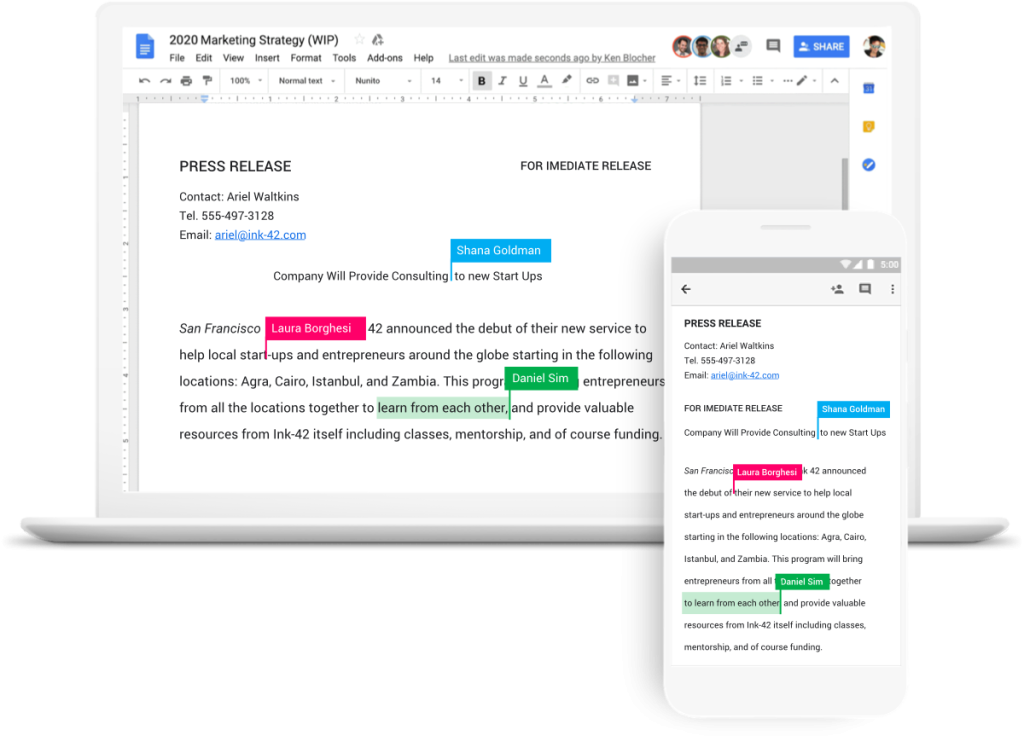
In the old days, if two people tried to edit the same file, you’d end up with “Version 1,” “Version 2,” and “Final Version COPY.”
- Live Editing: In Google Docs or Sheets, you can actually see your teammate’s cursor moving as they type. You can chat right inside the document to make decisions fast.
- No “Save” Button: Everything saves automatically every time you type a letter. You’ll never lose work again.
4. Let AI Do the Busy Work
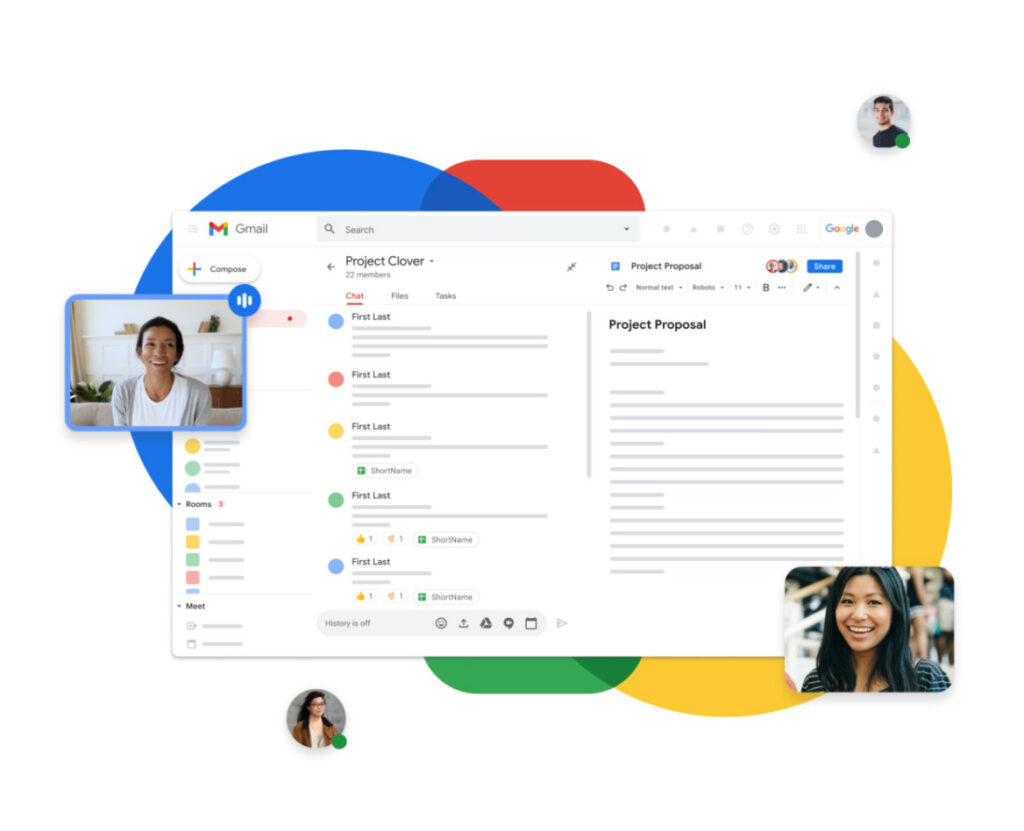
You don’t need a huge staff to get a lot done. Google Workspace has Gemini (AI) built-in to help you move faster:
- Writing Assistant: Stuck on a blank page? Ask it to “Write a polite follow-up email to a client,” and it will give you a draft in seconds.
- Instant Templates: Need a budget tracker? Workspace can help create the layout for you so you don’t have to be a math expert.
5. Security You Don’t Have to Manage
One of the scariest parts of growing is worrying about hackers or losing data.
- Google’s Security: You get the same world-class protection that big corporations use.
- Easy Control: If an employee leaves or a laptop is lost, you can lock the account with one click from your “Admin” dashboard.
6. Cost-Effective and Easy to Manage
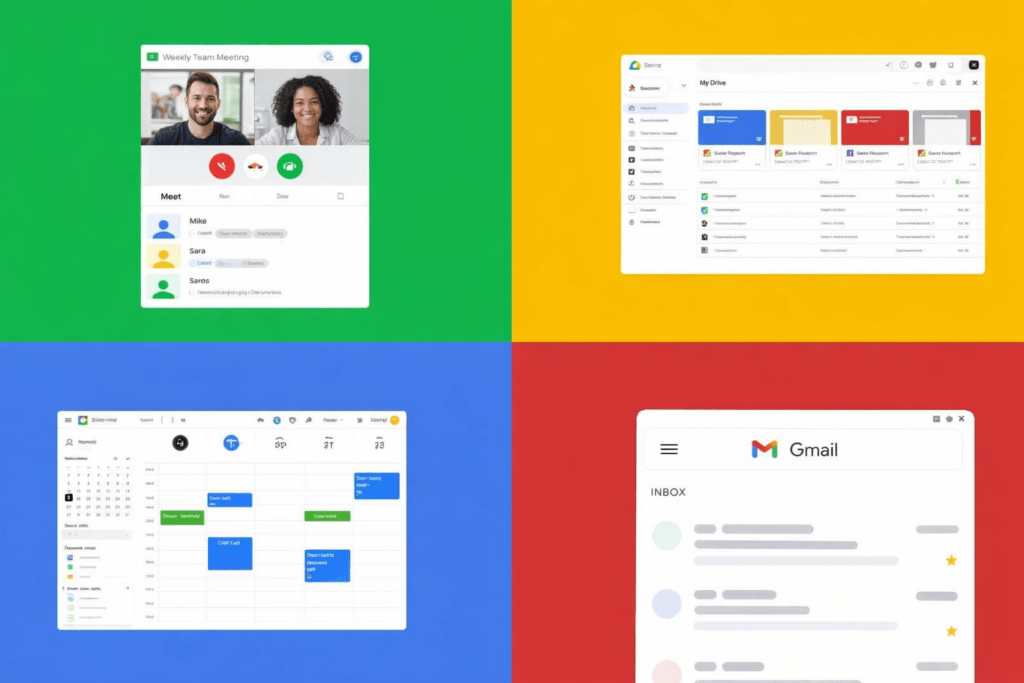
Google Workspace offers flexible pricing plans suitable for small businesses. With minimal setup and simple administration, businesses can onboard new employees quickly, manage users easily, and avoid high IT maintenance costs. This allows business owners to focus more on growth and less on technology management.
Conclusion
Google Workspace empowers small businesses to scale smarter by improving collaboration, enhancing security, and reducing operational complexity. With reliable cloud-based tools designed for growth, small businesses can stay agile, productive, and ready for the future.